# Front Doorbell
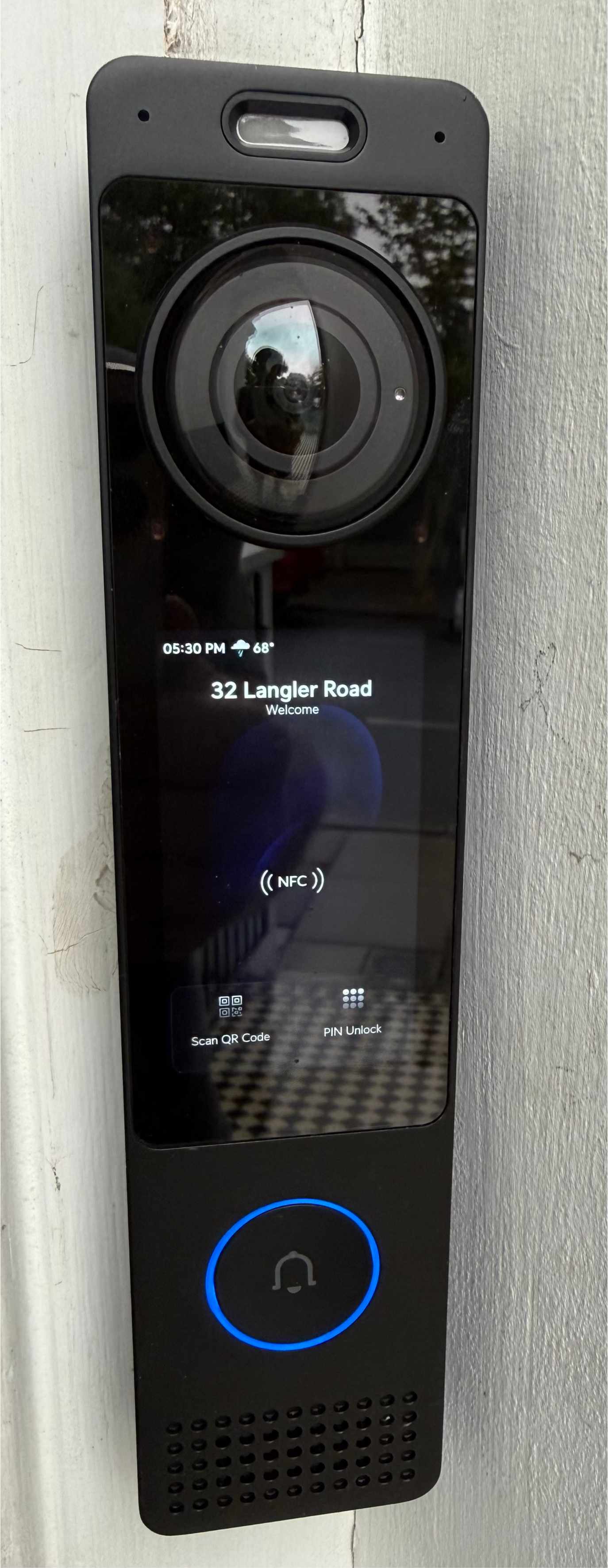
The front doorbell is -- wait for it -- a doorbell. Ok but it is a fancy doorbell and when a user presses the button to ring the chimes there will be three separate chimes spread across the house to ensure you can hear the ring.
# Chimes and Monitors
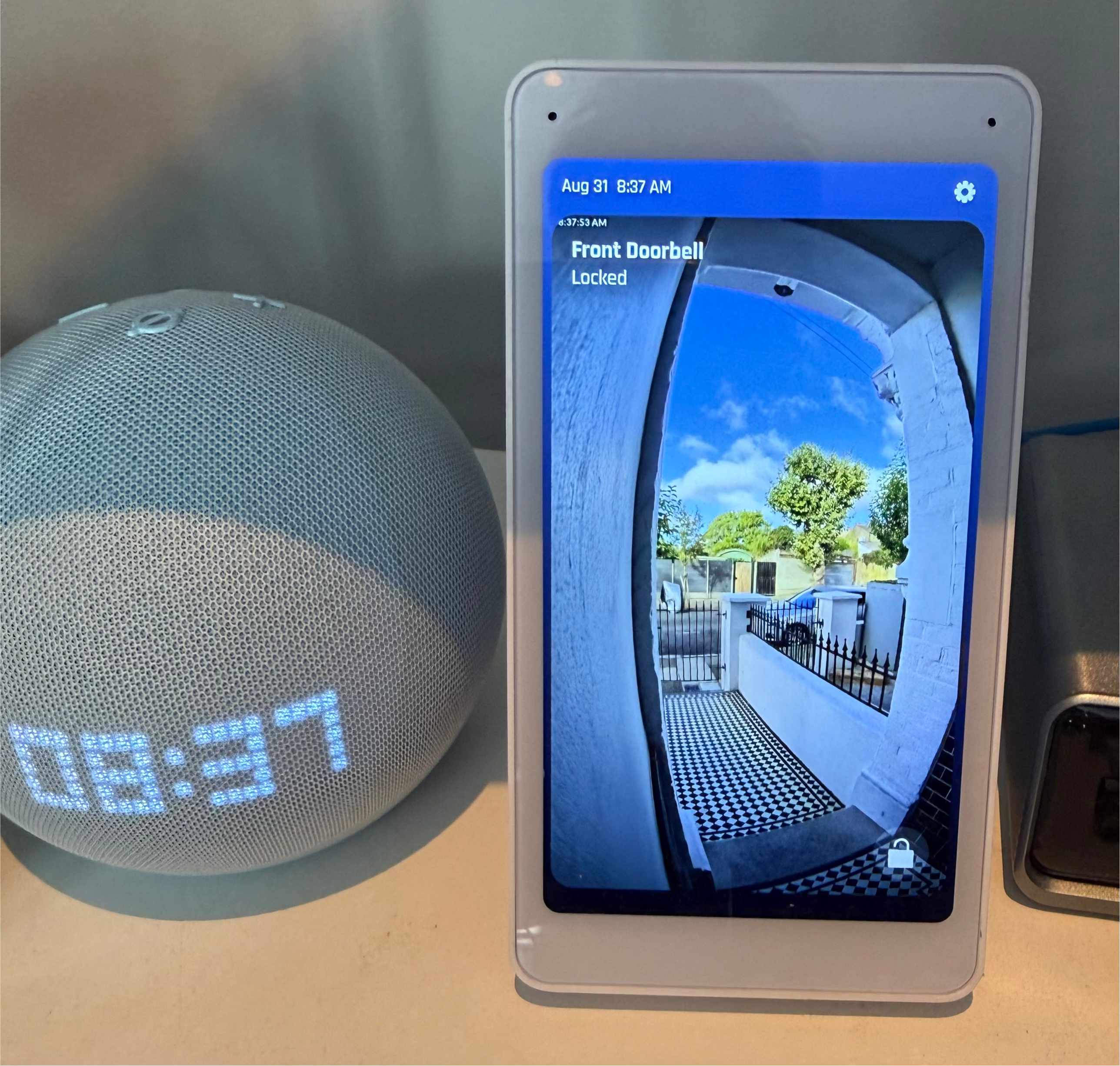
The locations where the chime is hosted corresponds 1:1 for where we also have a video monitor of the door. From this monitor you can see who's ringing the bell and verbally interact with them. If you just want the chimes to stop you can press the on screen "end" button to stop the ringing.
# Door Entry
Today we're still using the Yale Keyless Entry system but when the new door is installed in late 2026 we will move over to using the doorbell as a keyless entry system.
# Keypad Entry
- as you can see displayed on the front of the doorbell's screen is a "PIN Unlock" button that a guest can tap
- once tapped a numeric keypad will be displayed which can be used to unlock the door with a provided security code
# QR Code
- we may start providing guests with a QR code that can be saved on a users phone
- the QR code can then be held up to the doorbell after pressing the "Scan QR Code" button on the screen